Turn Your Ideas Into Images,
Voiceovers, &
Videos.
Explore standalone AI tools for your next creative project. Compare capabilities, discover realistic workflows, and select the exact tool you need to build faster.
Affiliate Disclosure: Bumatecpro is an independent informational publisher. I may earn a commission if you purchase through links on this page, at no additional cost to you. Product names are trademarks of their respective owners.
What are you building today?
Select your primary goal to jump directly to the relevant tool breakdown.
These are separate third-party AI platforms created by different vendors. Explore their verified features, practical usage scenarios, and honest considerations before selecting.
Visual AI Generator
Standalone Vendor Software
Artistly
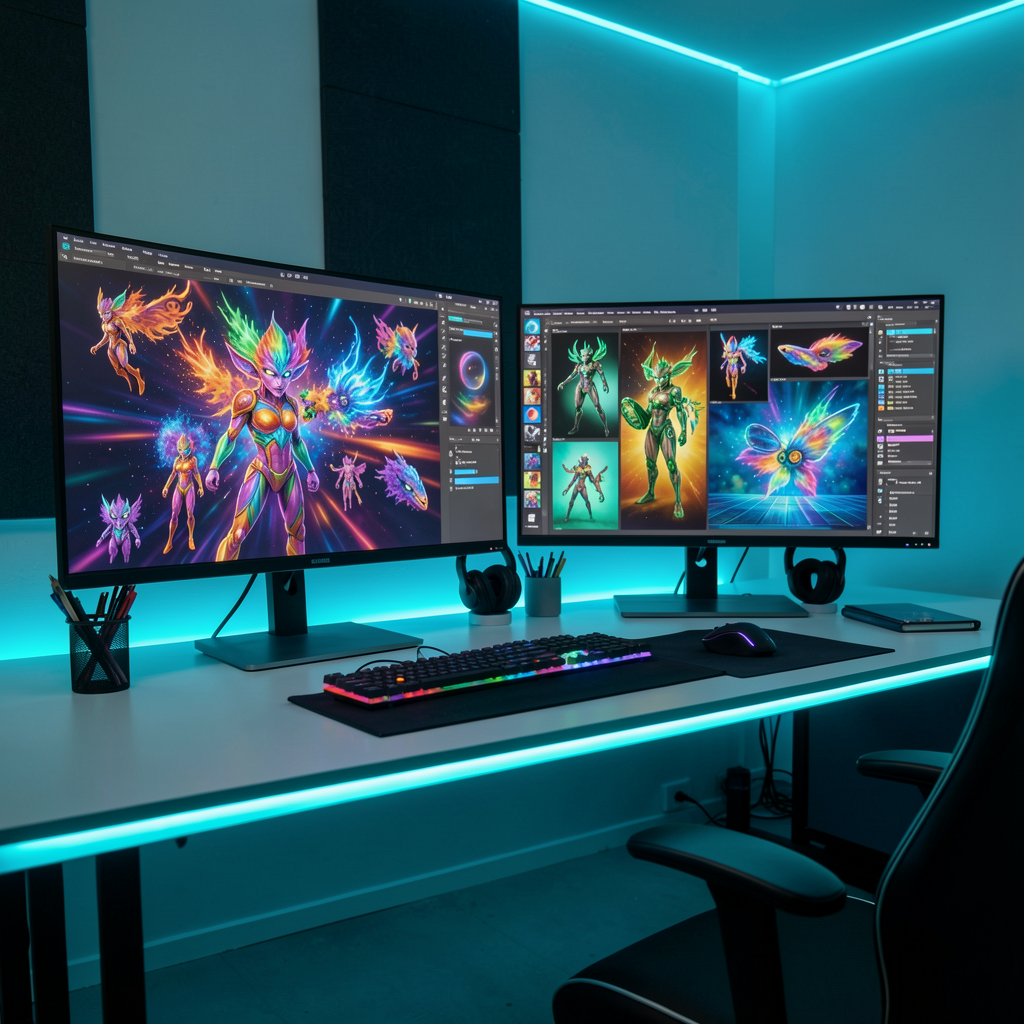
Explore AI image creation for digital illustrations, creative marketing concepts, custom stock art, and brand visuals without needing complex graphic design software.
Verified Capabilities
Text-to-image prompt generation
Multi-style preset rendering
Image upscaling & resolution enhancement
Custom aspect ratio outputs (1:1, 16:9)
Suitable Audiences & Projects:
Content creators, blog editors, and marketers generating hero graphics, social media banners, blog featured images, or digital art concepts.
Usage Note: AI image outputs may require fine-tuning or prompt iterations to accurately reproduce intricate typography, human hands, or exact brand elements.
Explore Artistly
Check current pricing and plan details on official page.
Sample Workflow Output
High-definition visual assets generated from descriptive text prompts.
Audio Synthesis Visualization
Speech modeling and text-to-voice soundwave render.
AI Voice & Speech Synthesizer
Standalone Vendor Software
CloneVoice AI
Explore AI voice synthesis and audio tools designed for educational narration, video voiceovers, audiobooks, and rapid localized content updates.
Always use your own voice or a voice you have explicit written permission and rights to clone. Unauthorized cloning of third-party public figures or individuals is strictly prohibited by platform guidelines.
Usage Note: Audio output quality depends directly on the quality and background silence of initial input samples. Review and edit pacing manually before publishing.
Explore AI video tools designed for turning static prompt concepts and image frames into moving scenes, promotional short clips, and animated video sequences.
Verified Capabilities
Text & image-to-video motion generation
Preset camera motion & pan controls
Timeline scene assembly for promotional clips
High-definition video exports (.MP4 format)
Suitable Audiences & Projects:
Social media creators, e-commerce store owners, and video producers creating short promotional trailers, visual openers, or dynamic social stories.
Usage Note: Video render times and length limits vary based on cloud processing load and plan tiers. Inspect frame consistency before final publishing.
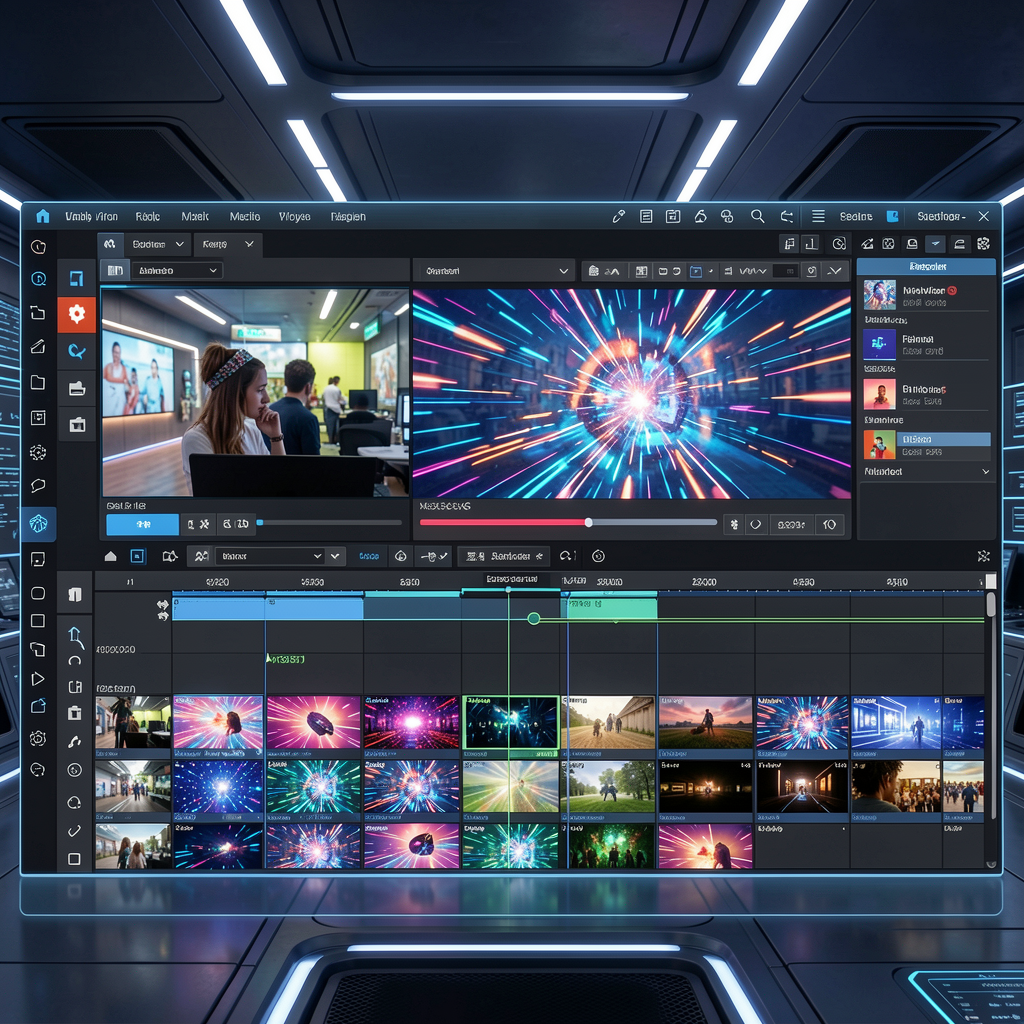
Motion Video Generation
Image transformation into animated video sequences.
Objective Comparison
Tool Comparison Matrix
These tools serve distinct creative functions. Review inputs, outputs, and primary use cases to decide which tool fits your current production pipeline.
Feature / Dimension
Artistly
CloneVoice AI
VideoExpress
Main Creative Task
Visual & Image Creation
Audio & Voice Synthesis
Video Scene Motion
Input Required
Text prompts, reference styles
Text scripts, audio samples (permitted/own)
Text prompts, static image inputs
Primary Output Format
High-res images (.PNG / .JPG)
Clear speech audio (.MP3 / .WAV)
Motion video files (.MP4)
Suitable Projects
Blog headers, social visuals, concept art
Narrations, course audio, voiceovers
Promo trailers, animated shorts, ad clips
Important Consideration
May require prompt edits for fine text details.
Quality depends on initial mic recording quality.
Render durations vary depending on clip complexity.
* Note: Bumatecpro evaluates features based on publicly available vendor documentation. Check individual vendor checkout pages for updated license terms and active tier features.
Practical Implementation
From One Idea to a Short Promotional Video
Here is a practical step-by-step example showing how a creator manually combines these separate third-party tools to craft a complete marketing asset.
Step 1: Visuals
Generate Storyboard Visuals
Use Artistly to generate key visual scenes, product concept art, or background graphic frames based on your script text prompts.
Manual Export: Download high-resolution PNG image files to your local drive.
Step 2: Voiceover
Generate Audio Narration
Use CloneVoice AI to synthesize clear script voiceovers or record your custom authorized audio profile.
Manual Export: Export clean MP3 audio tracks aligned with your visual sequence timing.
Step 3: Motion Assembly
Animate & Combine
Import generated image frames into VideoExpress to apply camera motion, and assemble with your MP3 voice track.
Final Export: Download full MP4 promotional video ready for web distribution.
Note on Workflows: These applications are independent SaaS platforms. Creators move assets between tools using standard file formats (PNG, MP3, MP4). Native API integration is not required for manual assembly.
Interactive Selector
Interactive Tool Finder
Answer 3 brief questions to determine which software matches your immediate project focus.
Recommended Match
Artistly
Based on your selection for image generation, Artistly provides prompt-based visual creation tailored for custom artwork and social media marketing graphics.
Actionable, practical frameworks designed for beginners. Learn how to diagnose asset requirements, structure production steps, and implement quality review checklists without unverified promises.
Guide 1 — Tool Selection7 Min Read
AI Images, Voiceovers, or Video: Which Tool Do You Need?
Learn how to diagnose your core asset requirement before purchasing standalone AI software. Match inputs, formats, and rendering boundaries to eliminate redundant tool spend.
How to Plan a Small Business Promotional Video With AI
A pre-production roadmap for small businesses. Write timed scripts, storyboard visual keyframes, and assemble multi-tool assets into effective marketing videos.
Title: AI Images, Voiceovers, or Video: Which Tool Do You Need?
Description: Learn how to choose between AI image generators, voice synthesis tools, and video motion software based on project requirements, inputs, and output limits.
Delivery Task Note: Add canonical URL domain upon server deployment.
Guide #1
AI Images, Voiceovers, or Video: Which Tool Do You Need?
Affiliate Disclosure: Bumatecpro is an independent informational publisher. We may earn a commission if you purchase through referral links in this guide at no extra cost to you.
1. The Beginner’s Problem: Multi-Tool Confusion
Many content creators and small business owners assume that modern AI generation platforms perform all visual, vocal, and video tasks within a single portal. In reality, standalone vendor tools are built around specialized models:
Static Image Synthesis requires prompt rendering engines tuned for artistic texture, composition, and lighting (such as Artistly).
Audio Narration & Speech Synthesis demands acoustic pitch modeling and clear text-to-speech processing (such as CloneVoice AI).
Motion Video Scene Generation relies on spatio-temporal video rendering to animate static frames or prompt scripts into video files (such as VideoExpress).
2. Practical Steps to Select Your Software
Identify Your Core Output Asset: Determine whether your primary deliverable is a static graphics file (.PNG/.JPG), an audio track (.MP3/.WAV), or a video file (.MP4).
Evaluate Input Readiness: Do you have written text scripts, audio recording samples, or reference visual concepts ready?
Verify Manual Export Formats: Ensure you can download raw asset files to combine them in your standard video editor or CMS platform.
3. Verified Product Features vs. Suggested Creative Uses
Tool Name
Verified Software Feature
Suggested Creative Workaround
Artistly
Text-to-image style rendering & upscaling
Generate visual storyboards for promo clips
CloneVoice AI
Script-to-speech audio rendering
Create voiceovers for slide presentations
VideoExpress
Text & image camera motion video synthesis
Animate static product artwork for social ads
4. Honest Limitations & Quality Boundaries
No single tool is flawless. AI images may require prompt iterations to handle complex text details correctly. Voice synthesis relies heavily on clean input audio samples, and video generation speeds depend on cloud queue rendering loads.
Pre-Purchase Selection Checklist:
Defined exact file extension required (.PNG, .MP3, .MP4).
Confirmed vendor license terms for intended distribution.
Title: How to Plan a Small Business Promotional Video With AI
Description: A step-by-step pre-production planning guide for small businesses building promotional videos using standalone AI visual, voice, and motion tools.
Delivery Task Note: Add canonical URL domain upon server deployment.
Guide #2
How to Plan a Small Business Promotional Video With AI
Affiliate Disclosure: Bumatecpro is an independent publisher. Links to products like VideoExpress and CloneVoice AI are affiliate referral links.
1. The Problem: Generating Clips Without a Script
Small business owners often jump straight into visual rendering engines without a timed script. This causes pacing issues, mismatched voice timing, and wasted rendering credits. Pre-production structure is essential before opening any software.
Write a Timed Audio Script First: Draft 60–120 words for a 30-to-60-second clip. Read it aloud to ensure natural pacing.
Generate Narration Audio: Use CloneVoice AI to generate the voice track. Adjust pauses and punctuation.
Create Keyframe Storyboards: Use Artistly to render specific product images or visual scenes.
Animate Video Motion: Import scenes into VideoExpress to apply motion parameters and align with your MP3 voice file.
3. Realistic Business Example
Example: Local Boutique Gym Promotional Reel (30 Seconds)
• Script (0–10s): "Ready to rebuild your daily energy?" → Voiceover generated via CloneVoice AI.
• Visual (10–20s): Modern gym interior visual keyframe → Image synthesized in Artistly.
• Motion (20–30s): Dynamic pan and light zoom → Animated in VideoExpress.
4. Distinguishing Verified Features & Limitations
While VideoExpress handles text/image-to-video scene motion, final editing details like adding localized call-to-action overlays or logo watermarks should be finalized in a standard video editor after exporting your .MP4 file.
Promo Video Review Checklist:
Audio narration timing matches visual scene transitions.
Pronunciation of business name and offer terms is verified.
Motion clips rendered cleanly without frame flickering.
Title: How to Create Visuals and Narration for Educational Content
Description: Practical framework for educators and course creators using AI text-to-image and voice synthesis to produce accessible learning modules.
Delivery Task Note: Add canonical URL domain upon server deployment.
Guide #3
How to Create Visuals and Narration for Educational Content
Affiliate Disclosure: Bumatecpro provides independent research. Software links in this guide for CloneVoice AI and Artistly contain referral tracking codes.
1. The Educator’s Challenge: Pacing & Clarity
Educational tutorials require consistent vocal tone, accurate terminology pronunciation, and clean instructional visuals. Robotic pitch variations or overly distracting artistic backgrounds can degrade student retention.
2. Step-by-Step Educational Content Workflow
Scripting with Phonetic Breaks: Structure course scripts into concise 2-minute segments. Add punctuation for natural breathing pauses.
Synthesizing Voice Narration: Use CloneVoice AI to create voice tracks. Verify speech speed and clarity.
Generating Supporting Visual Diagrams: Create illustrative graphics in Artistly to illustrate key concepts.
Assembling Slide Sequences: Pair visual assets with audio tracks in your presentation software or video generator.
3. Ethical Voice Rights & Limitations
Course creators must strictly follow ethical voice modeling standards. Always use your own voice or voices for which you possess explicit written rights. Voice cloning must not violate persona rights.
Educational Quality Checklist:
Audio pacing is moderate and clear for easy note-taking.
Visuals support educational points without visual clutter.
Ready-to-use distribution assets derived from the three guides. Designed for multi-channel publishing without unverified claims or ranking promises.
Social Media Captions (3 Per Guide)
Guide 1 Social Captions
Facebook:
Before buying your next AI software subscription, figure out what asset you actually need! Here is a simple guide comparing standalone tools for images, voiceovers, and videos. Check it out in our AI Creator Toolkit guide!
LinkedIn:
Workflow efficiency starts with selecting specialized tools. In our latest guide, we break down input formats, rendering limits, and export options across visual generation, voice synthesis, and video animation platforms. Read the full framework in our guide. #AICreator #ContentWorkflow #DigitalProduction
Instagram:
Images vs Voiceovers vs Video: Which AI tool fits your project? 🎨🎙️🎬 Avoid wasted software spend with our beginner breakdown. Link in bio! #AICreatortoolkit #Artistly #CloneVoiceAI #VideoExpress #ContentCreation
Guide 2 Social Captions
Facebook:
Planning a promotional video for your business? Write your script and generate audio first before rendering video scenes! See our step-by-step pre-production roadmap in our guide.
LinkedIn:
Small business promo videos don't require huge agency budgets—just structured pre-production. Learn how to outline script timing, storyboard keyframes, and assemble clean MP4 outputs. Read our practical guide. #SmallBusiness #VideoMarketing #AITools
Educators & course creators: learn how to pair clear script voiceovers with crisp illustrative visuals while maintaining ethical voice consent standards. Read the full guide in our toolkit.
LinkedIn:
Educational retention depends on clear audio pacing and accurate visual aids. Here is a practical framework for online instructors using voice narration and text-to-image software ethically in our latest guide. #EdTech #OnlineCourses #InstructionalDesign
Instagram:
Creating online tutorials? 📚 Keep students engaged with clear voice narration and accurate graphics. Check out our educational content guide in bio! #CourseCreator #InstructionalVisuals #VoiceSynthesis
Short Video Scripts (2 Per Guide — Shorts / Reels / TikTok)
Guide 1 — Script 1A: The Tool Selection Mistake
[Visual]: Creator pointing at 3 screen graphics (Image, Mic, Video).
[Script]: "Stop buying AI tools before knowing your exact output! If you need graphics, use an image engine like Artistly. If you need narration, use CloneVoice AI. Don't waste money on bloated tools. Read our selection guide at Bumatecpro!"
[Script]: "Always check your export format! A graphic needs high-res PNG, narration needs clean MP3, and promo motion needs MP4. Check out the comparison matrix on Bumatecpro to match your workflow!"
Guide 2 — Script 2A: The Audio-First Promo Rule
[Visual]: Creator writing script outline on tablet.
[Script]: "Here is a small business promo tip: generate your voiceover before rendering video clips! Timing your script first saves hours of visual re-editing. Learn the 3-step planning framework on Bumatecpro."
Guide 2 — Script 2B: Storyboarding Video Motion
[Visual]: Rapid cut showing static frame turning into motion clip in VideoExpress.
[Script]: "Want smooth video ads? Render static image keyframes in Artistly, then add motion in VideoExpress. Check out our complete small business promo guide at Bumatecpro!"
Guide 3 — Script 3A: Pacing Voiceovers for Courses
[Visual]: Audio waveform zoomed in on punctuation gaps.
[Script]: "Teaching online? Fast AI speech causes learner fatigue. Add commas and breaks in your CloneVoice AI script for clear note-taking pacing. Read our educational narration checklist at Bumatecpro!"
Guide 3 — Script 3B: Ethical Voice Consent
[Visual]: Shield icon with green checkmark next to microphone.
[Script]: "Important reminder for creators: only clone voices you have explicit permission to use! Maintain ethical standards while building course narration. Full guide live on Bumatecpro."
Publish Guide 2 + Promo video social captions. Release Shorts 2A & 2B. Highlight VideoExpress & CloneVoice workflow.
Week 3: Educational Content
Publish Guide 3 + Course creator social captions. Release Shorts 3A & 3B. Focus on voice ethical consent & visuals.
Week 4: Diagnostic Roundup
Promote Interactive Tool Finder widget across channels. Cross-link all 3 guides into comparison hub.
Clear Answers
Frequently Asked Questions
Grounded answers regarding licensing, product independence, and pricing details.
Artistly focuses on AI visual image creation. CloneVoice AI specializes in speech synthesis and voiceover modeling. VideoExpress is designed for image and text motion video generation. Each platform handles a specific creative discipline.
No. You only need the specific tool that matches your required output. If you only require static visual graphics, Artistly is sufficient. If you only need narration, CloneVoice AI handles that independently.
Yes. Artistly, CloneVoice AI, and VideoExpress are independent third-party software products sold separately by their respective vendors. Elevanta Digital does not sell them as a unified bundle.
Click the direct links provided on this page to visit the official merchant checkout page for each product. Pricing tiers, active discounts, and feature inclusions are maintained directly by the respective software vendors.
Always review the vendor terms of service for your specific tier. Ensure generated images do not infringe on trademarked logos, and confirm commercial rights licenses provided within your vendor account level.
No. You must only clone your own voice or a voice for which you hold explicit, verifiable authorization. Unauthorized voice cloning violates software terms of service and legal rights.
No. Bumatecpro is an independent publisher providing recommendations and guides. Technical support, user accounts, and billing are handled directly by the individual vendor platforms.
Ready to start creating?
Choose the Tool That Fits Your Next Project
Access official vendor pages directly using our verified link portal below.
Information verified from official merchant documentation pathways (`clonevoice.ai`, `artistly.ai`, `videoexpress.ai`). Features reflect confirmed core capabilities without unverified claims.
3. Compliance & Disclosure Audit
• Clear separation of independent products established.
• Mandatory affiliate disclosures rendered on Hero, Tool cards, and Footer.
• Ethical voice permission notices integrated into audio section.
• All affiliate links configured with `rel="sponsored noopener"` and `target="_blank"`.